
Calculator
Our calculators
Your customer puts the job together and sees an estimate right away. You get a complete enquiry. In Lite.
- "Roughly what would that cost?" You call back, explain it, and never hear from him again.
- Your client ticks what he needs on your site, and you get a complete enquiry.
How it works
On your website, without code
No programming, and nobody needs your password. Pick what suits your site.
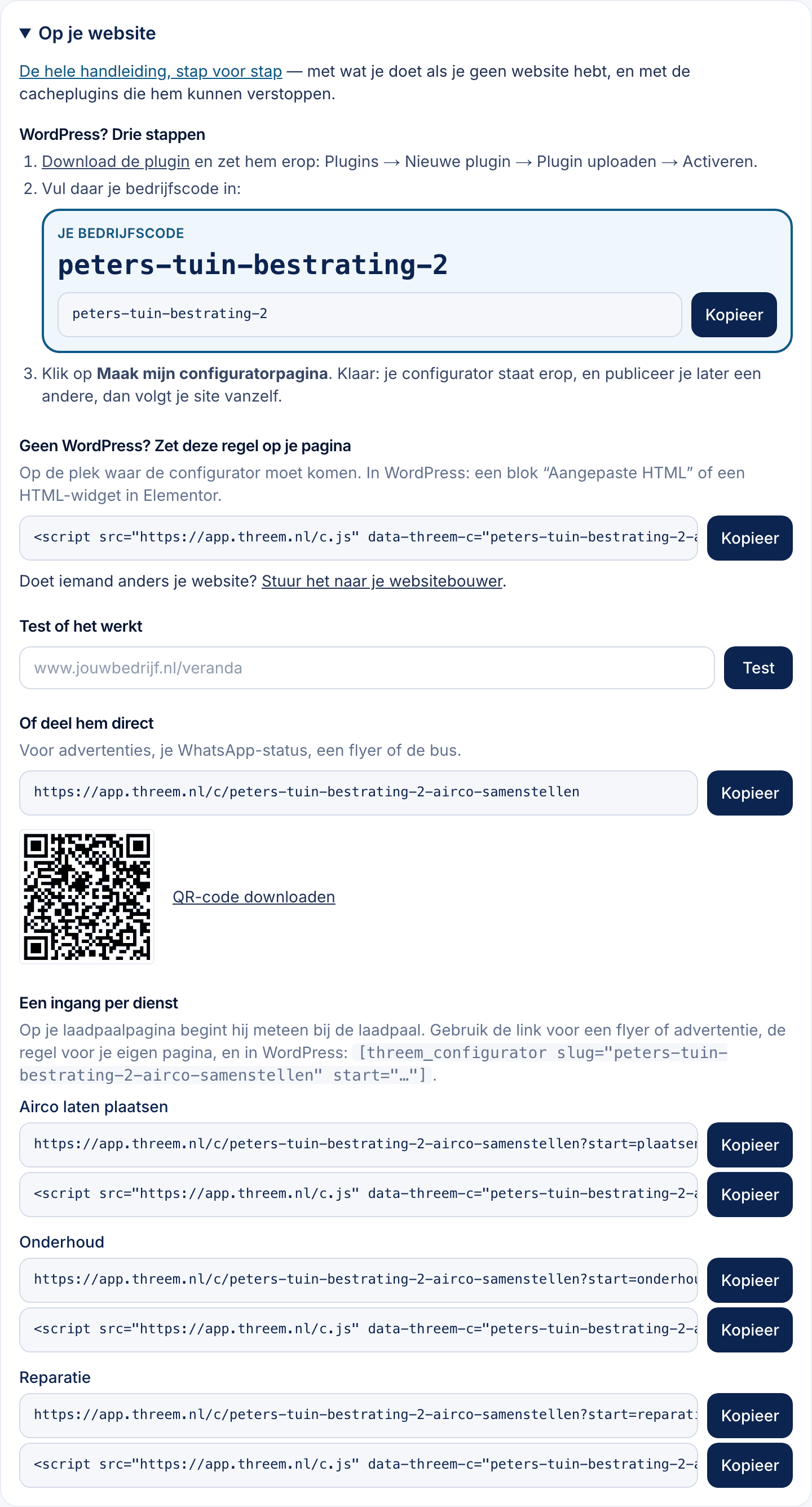
- WordPress — Install our plugin, enter your company code and click “Create my configurator page”. Three steps.
- Any other website — Paste one line on the page where it should appear. Someone else runs your site? Send them the line and the instructions in one click.
- No website needed — You get your own link and a QR code — for an ad, your WhatsApp status, a flyer or your van.
Your company code isn’t a password: it’s already on your public page. Nobody has to log in to your website or to ThreeM.
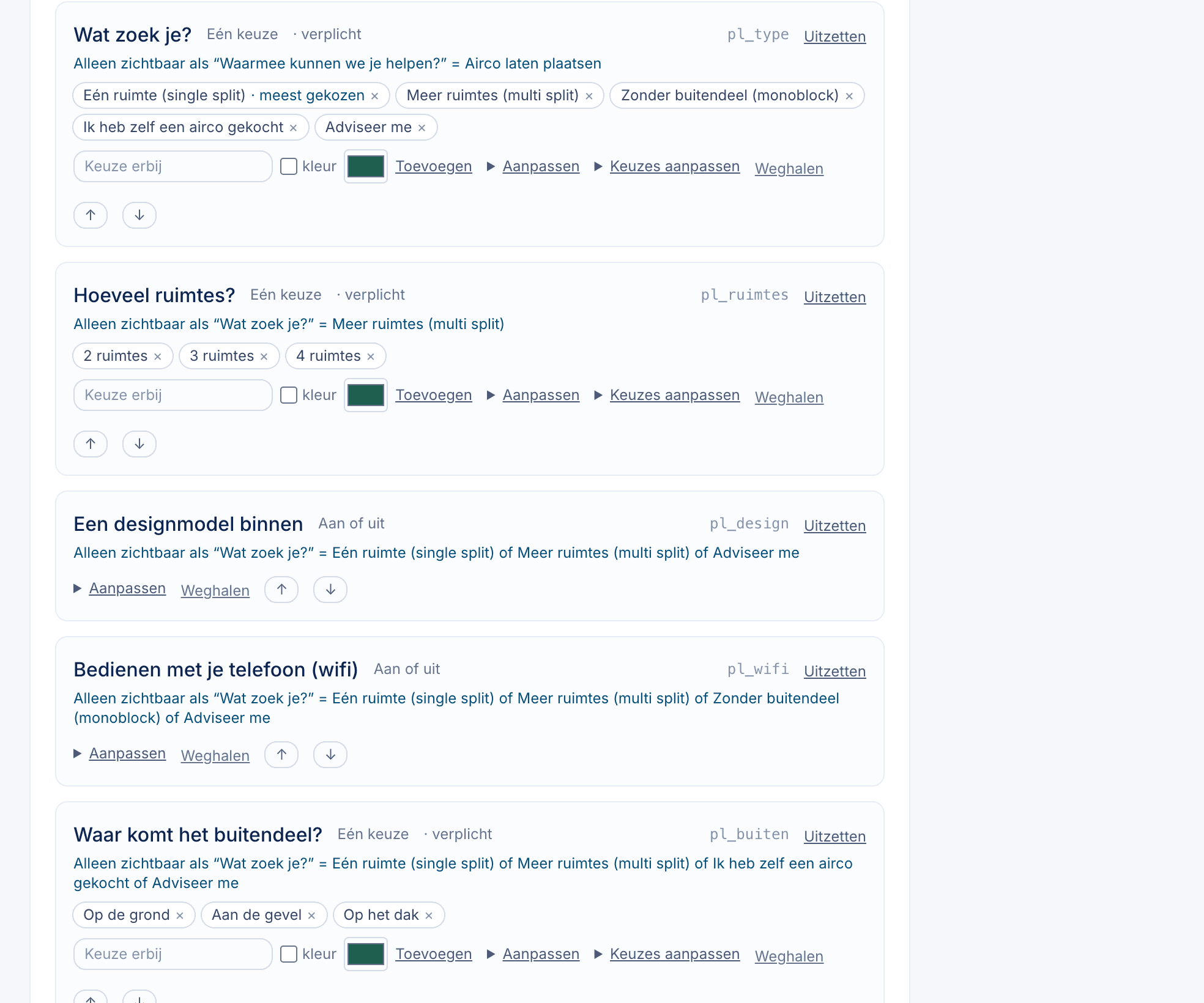
Your questions
Switch on what you offer and off what you don’t. On your charger page it starts straight at the charger.
- Add your own photo to a choice, so your client sees your product.
- If a choice doesn’t work at a size, it’s greyed out with the reason.
- Test it in trial mode first, then go live.
Your prices
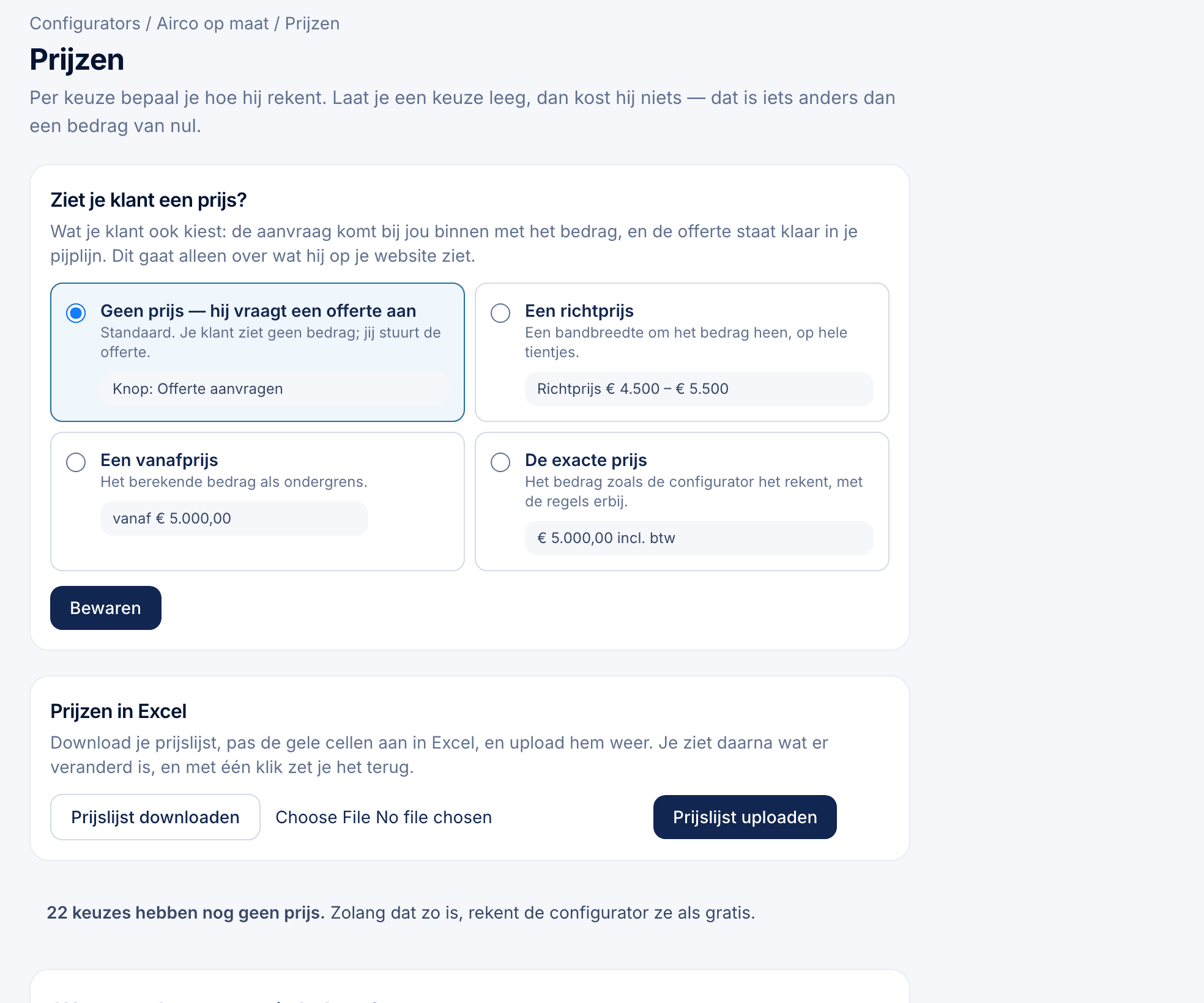
For each option you choose how it’s priced: a fixed amount, per item, per metre or per m². Or download your whole price list in Excel, edit it and upload it again.
You decide whether your client sees a price, and which one:
- An exact price
- A from-price
- A price range
- The price only after he enters his details
- No price: just an enquiry
By default the price is off: your client requests a quote instead of dropping out over an amount.
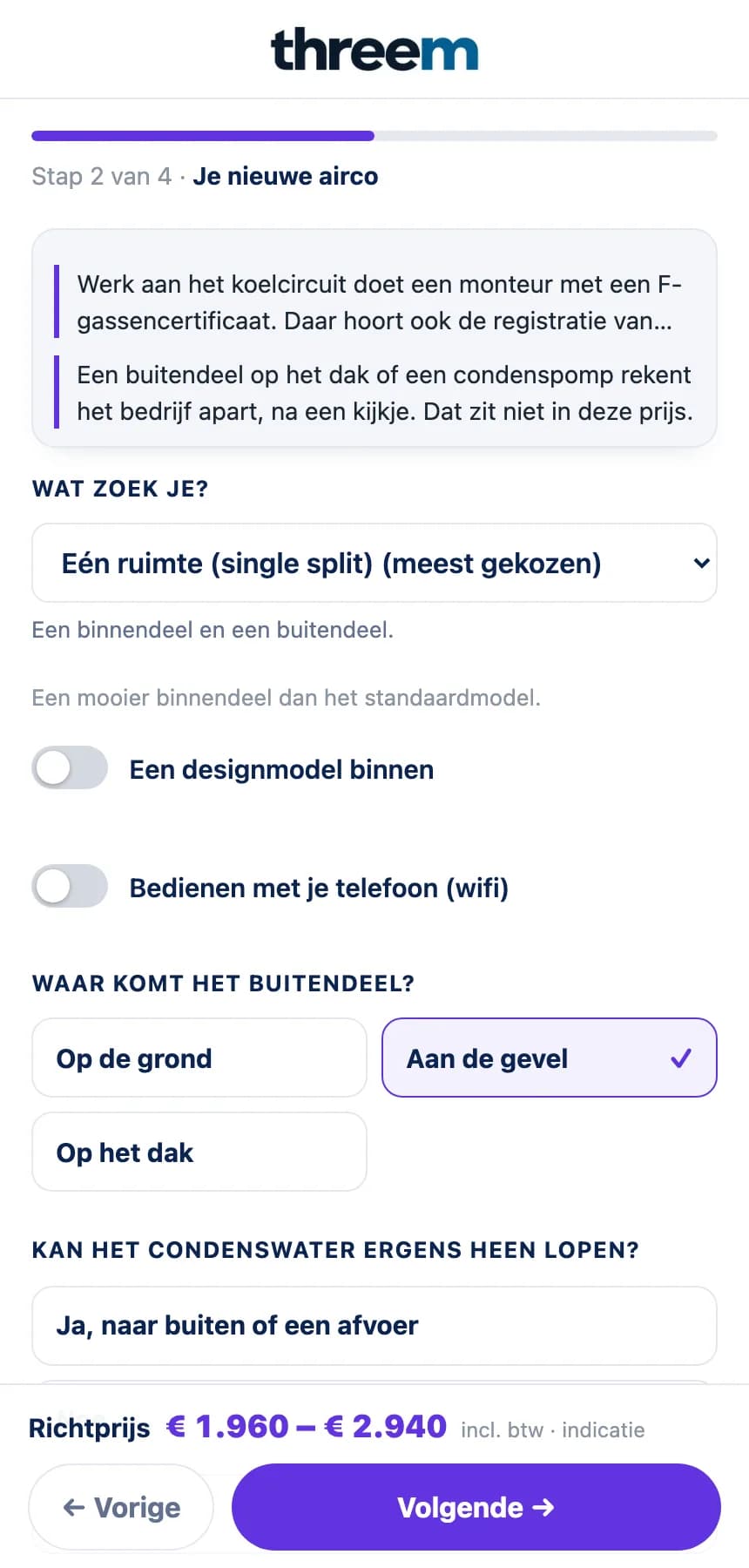
What your client gets
- Only the questions that fit his job
- An estimate, if you switch it on
- Send photos straight from his phone
- Continue later: he emails himself what he chose
The enquiry and the quote
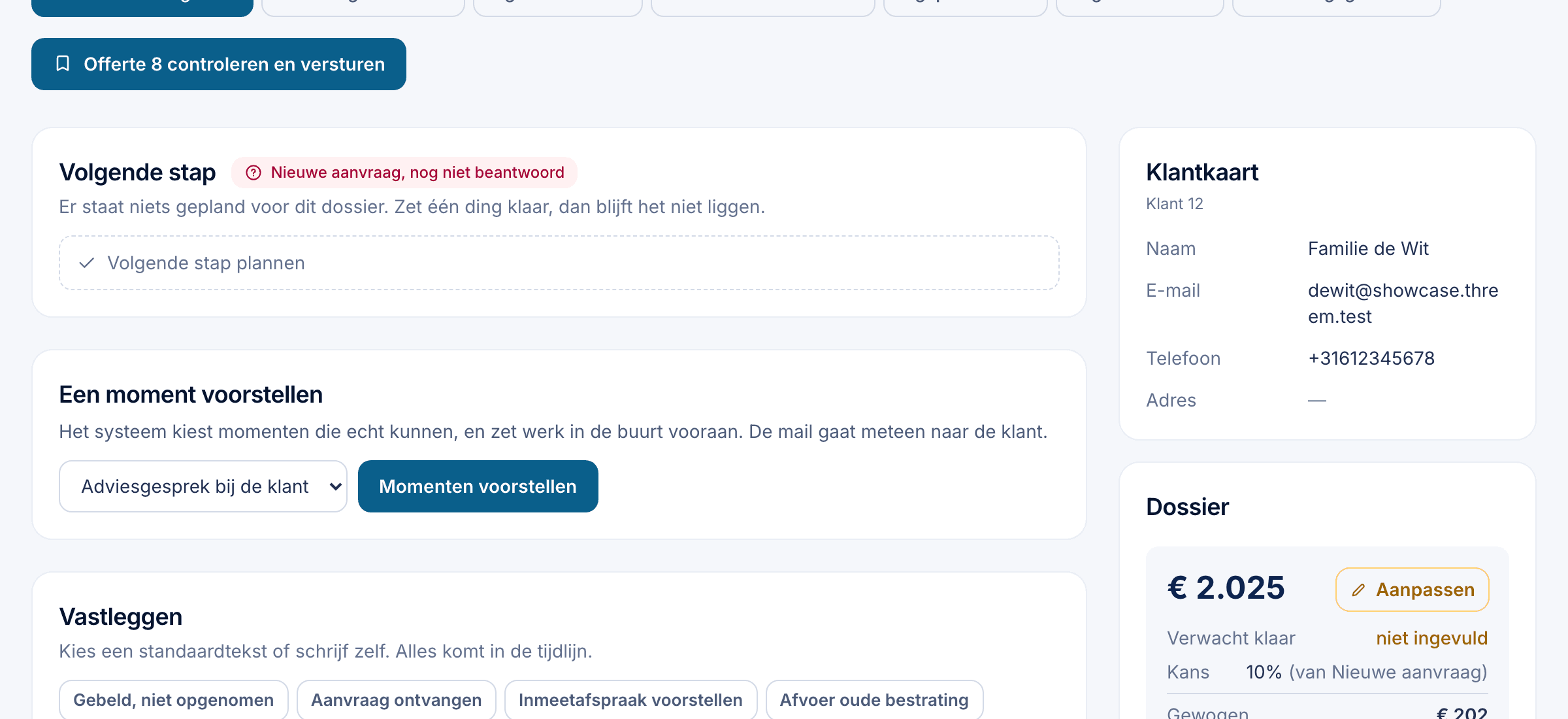
- The enquiry lands in your pipeline, with everything he ticked and his photos.
- A draft quote is ready straight away. You adjust it and send it with one click.
- Or it goes out by itself: immediately, or after a delay you choose, within office hours.
- After sending, your client picks a time right away.
Follow up and measure
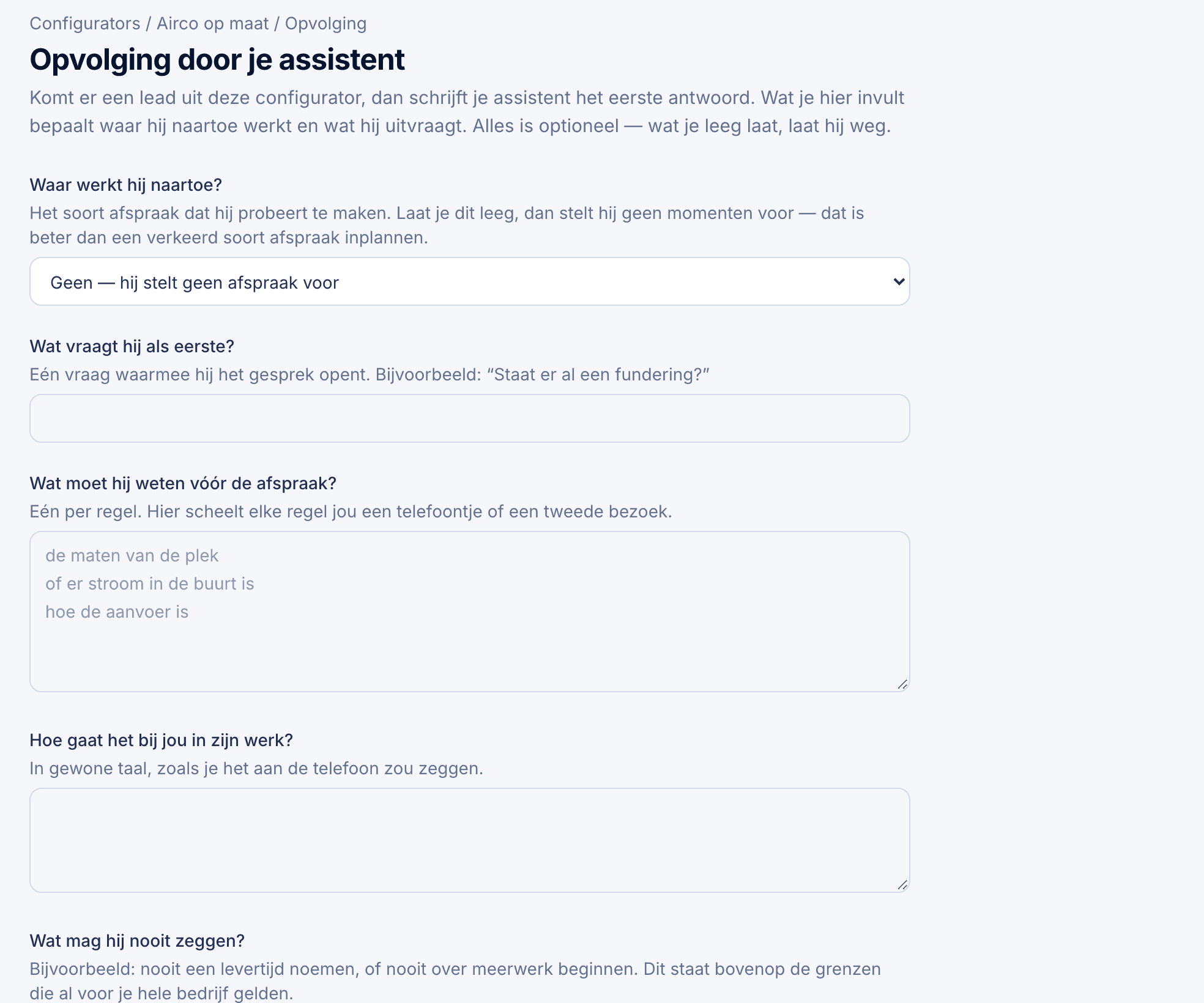
Every enquiry lands in your dashboard with all the choices and a draft quote. If your quote goes unanswered, the customer gets a friendly reminder on the days you choose.
In Statistics you see how many people open it, start and send, and on which screen they drop out.
Buddy: “How many enquiries came in through the configurator this month?”
The calculator is in Lite, Groei and Premium. More than one, for several services? That’s included at no extra cost. See pricing
Can’t get it to work? We’ll set it up with you.
Rather talk it through first?
Book a 15-minute introduction. Online, with a shared screen: you tell us how enquiries come in today, we show you what ThreeM does with them.